
Services and add-ons
Add the services clients can book, with length, price, prep and cleanup time, and optional add-ons.
For: OwnersManagers
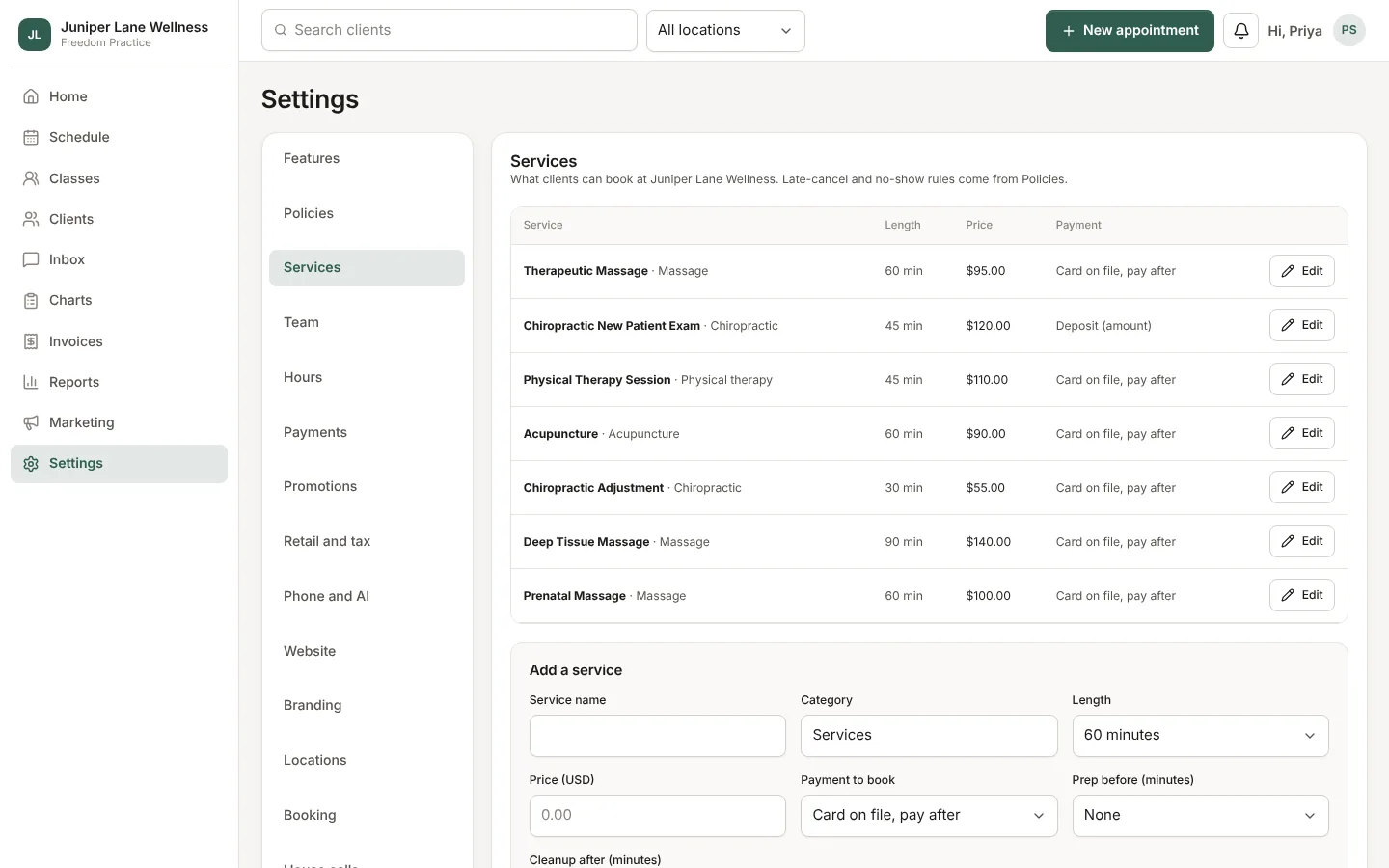
Services are what clients pick on the booking page. Each one has a name, a length, a price, and a category.
Add a service
- Open Settings → Services.
- Choose Add service and fill in the name, category, length, and price.
- Leave Bookable online on if clients can book it themselves. Turn it off for services only the front desk books.
- Choose Save.
Prep and cleanup time
Some services need time before or after, such as setting up a room or travel for a house call. Add Extra time before or after the service. Clients still see the service length, but the schedule keeps the extra minutes free.
Add-ons
Add-ons are extras a client can add to a service, such as hot stones or extra minutes. Each has its own price and can add time. Clients see them on the booking page after they pick the service.
Who offers what
A service only shows for practitioners who offer it. Set that per person under Settings → Team. If a service shows no open times, check that at least one practitioner offers it and has hours that day.
Still stuck? Contact support, or in the app open your account menu and choose Contact support.