
Payments
Pick Square or Stripe, turn on Apple Pay and Google Pay, sell packages with pay-later options, and link QuickBooks.
For: Owners
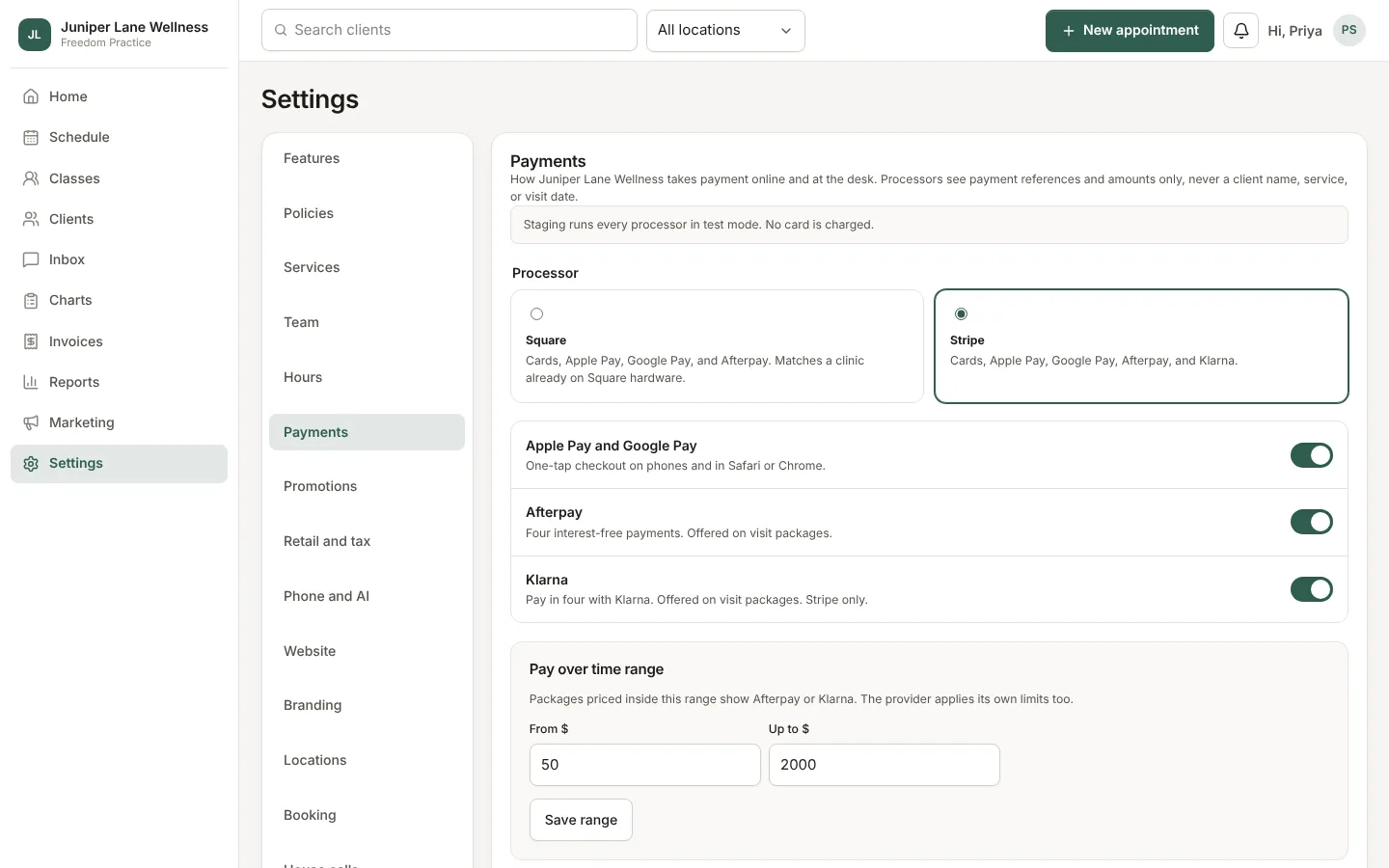
Your clinic uses its own Square or Stripe account, with no markup from us. Money goes straight to you.
Choose a processor
- Open Settings → Payments.
- Pick Square or Stripe and connect your account.
- Turn on Apple Pay and Google Pay if you want clients to pay from their phone.
Packages, memberships, and gift cards
- Packages (a set number of visits) can be paid over time with Afterpay on either processor, or Klarna on Stripe.
- Memberships renew monthly on the card on file. A client can stop auto-renew from the client hub.
- Gift cards can be sent to someone else now or on a chosen day.
QuickBooks Online
Choose Connect QuickBooks, then sync after each checkout or with Sync now. Invoices and payments land in your books.
Still stuck? Contact support, or in the app open your account menu and choose Contact support.