
Staff Home
What each role sees first after signing in: today's visits, what needs doing, and the numbers that matter to them.
For: Front deskPractitionersManagersOwners
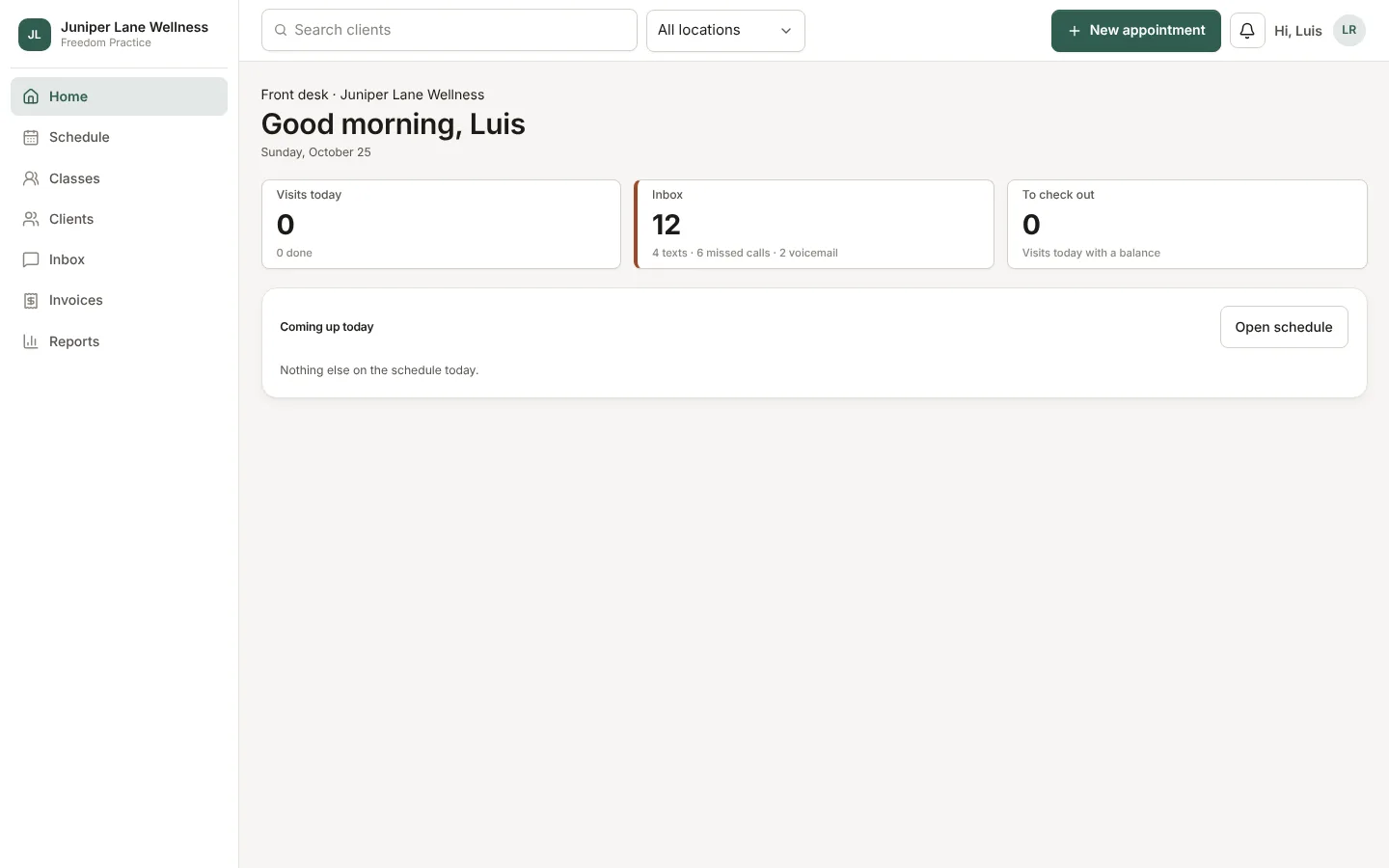
Home is the first screen after you sign in. It greets you by name and shows today's visits and what is coming up next.
Cards by role
- Front desk: the inbox and visits waiting for checkout.
- Practitioners: notes to review and sign, and your revenue and tips this week.
- Owners, admins, and managers: money collected today, this week, and this month, and clients to follow up.
- Owners and admins also see the Getting started list until setup is done.
Booking requests that need approval wait on Home too, with Approve and Decline.
Still stuck? Contact support, or in the app open your account menu and choose Contact support.