
The inbox: texts, calls, voicemail, and fax
Two-way texts with clients, calls to return, voicemail, faxes in and out, and notes for your team.
For: Front deskManagersOwners
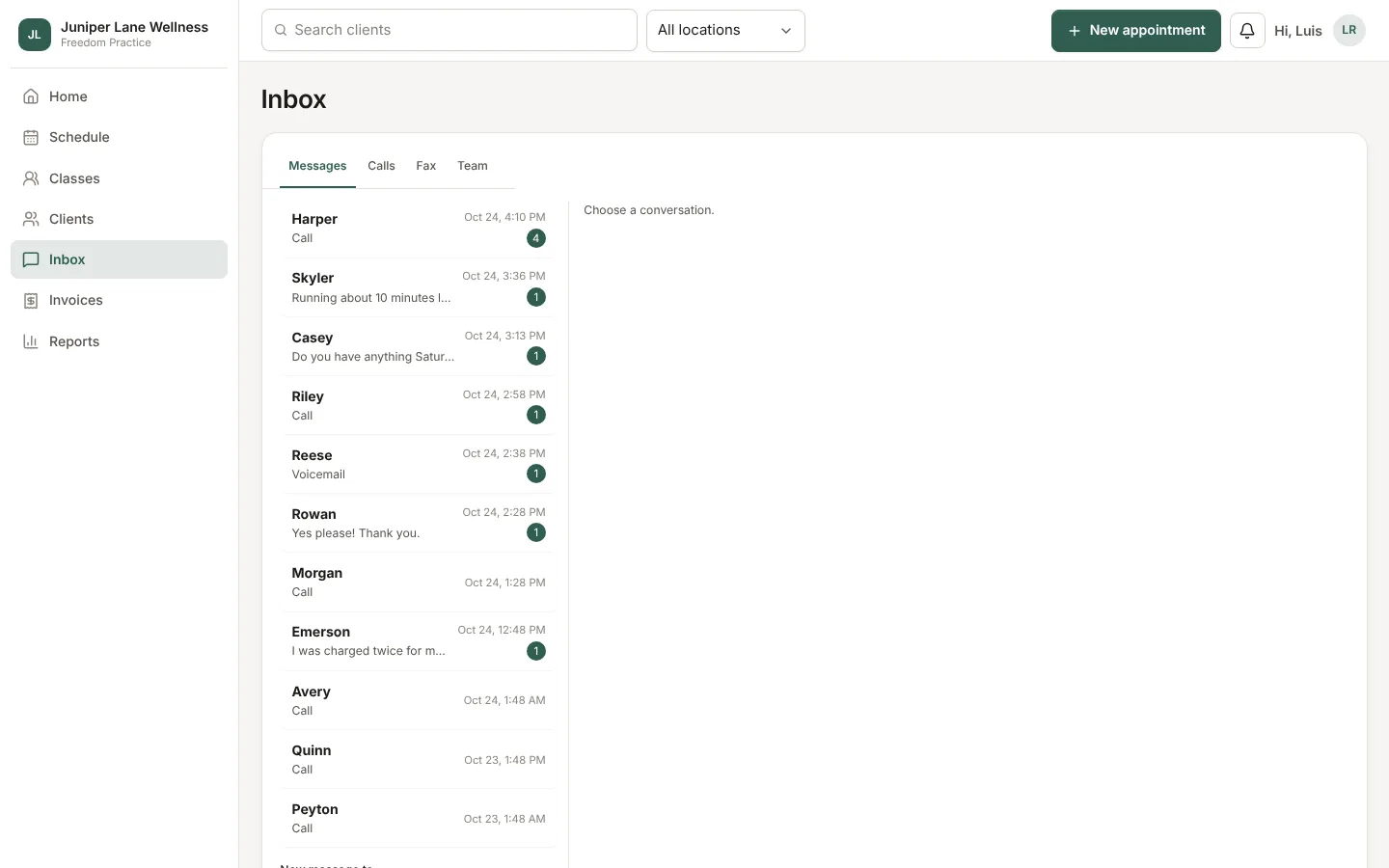
The Inbox gathers every way clients reach you. Tabs across the top split Messages, Calls, Fax, and Team.
Texts
Each client has one thread. Type a reply and choose Send. Texts from people we do not know show their number until you link them to a client.
Automatic reminders stay out of the inbox, so it only shows what needs a person.
Calls and voicemail
Missed calls and voicemail wait here until someone marks them followed up. When a call comes in, a caller ID card shows who it is, with Answer and Transfer. Click a phone number anywhere in the app to call it.
Fax
Faxes in and out live under Fax. To match an incoming fax to a client, choose Find the client; it suggests matches by name, date of birth, and phone. Choose Send fax to send one.
Team
Leave notes for each other and set your status so others know who is free.
Still stuck? Contact support, or in the app open your account menu and choose Contact support.